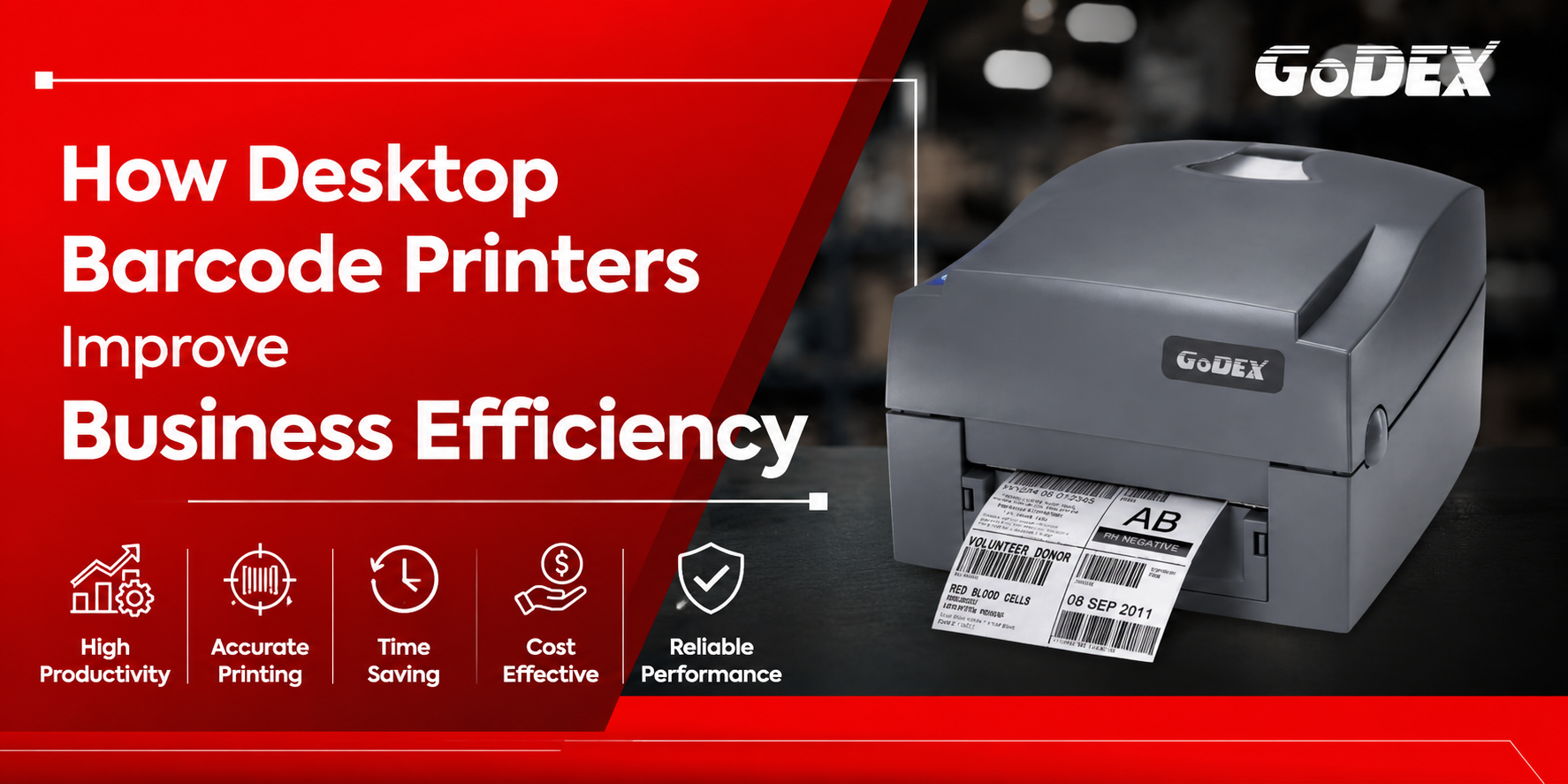
Whether you’re struggling with inventory errors, slow warehouse operations, or inefficient product labelling, a desktop barcode printer can transform your business processes. From retail stores and warehouses to manufacturing units and healthcare facilities, these compact printers help businesses improve accuracy, reduce costs, and increase productivity.
In this Blog, you’ll discover:
This improves user experience and increases time on page.
A barcode printer is a device that prints machine-readable barcodes onto labels, tags, wristbands, or receipts. These printed barcodes contain information such as product details, serial numbers, inventory codes, or shipping data, allowing businesses to identify and track items quickly and accurately.
A desktop barcode printer creates barcode labels using either direct thermal or thermal transfer technology. Once connected to your computer or POS system, it receives label data and prints scannable barcodes that can be used for inventory tracking, product identification, shipping, and asset management.
Manual labelling can lead to errors, misplaced inventory, and inefficient workflows. A desktop barcode printer enables businesses to create durable, scannable labels on demand.
Common applications include:
Using a reliable barcode printer ensures consistent label quality and improves operational accuracy.
Without an efficient barcode printing solution, businesses often encounter:
These issues can reduce productivity and affect customer satisfaction.
Desktop barcode printers generate labels within seconds, helping businesses keep pace with daily operations.
Benefits
2. Improved Inventory Accuracy
Accurate barcode labels make inventory tracking simple and reliable.
Businesses can easily:
3. Better Warehouse Productivity
Warehouse staff can quickly print:
This accelerates picking, packing, and dispatch processes.
4. High-Quality Barcode Printing
Modern desktop printers produce:
This improves barcode readability and reduces scanning errors.
5. Cost-Effective Printing
Desktop barcode printers offer:
This makes them ideal for small and medium-sized businesses.
Before purchasing, evaluate the following features:
Print Resolution
Choose between:
Printing Technology
Select based on your needs:
Print Speed
Higher print speeds improve productivity, especially in busy environments.
Media Compatibility
Ensure the printer supports:
Connectivity Options
Look for:
Software Compatibility
The printer should integrate with:
Desktop barcode printers are ideal for:
Before making your purchase, ask:
These considerations will help you select a printer that aligns with your operational needs and budget.
When investing in a desktop barcode printer, reliability, print quality, and long-term performance are just as important as features. GoDEX Desktop Barcode Printers are designed to meet the demands of businesses across retail, logistics, manufacturing, healthcare, warehousing, and e-commerce.
Why Businesses Trust GoDEX
Desktop barcode printers are used to print product labels, shipping labels, inventory labels, price tags, asset labels, and identification labels.
Retailers, warehouses, manufacturers, logistics providers, healthcare facilities, laboratories, and e-commerce businesses commonly use desktop barcode printers.
Direct thermal printers create images directly on heat-sensitive labels and are suitable for short-term use. Thermal transfer printers use a ribbon to produce more durable labels that resist heat, moisture, and abrasion.
Retail, logistics, manufacturing, healthcare, pharmaceuticals, education, and warehousing all benefit from desktop barcode printing solutions.
Look for print resolution, printing technology, print speed, connectivity options, media compatibility, software integration, durability, and ease of maintenance.
Sign up to receive exclusive communications from Mustek Automation including product updates, technical information, new offerings, events and news, surveys, special offers, and related topics via telephone, email, and other forms of electronic communication.
We respect your privacy,
so we never share your info.
Mustek Technologies Pvt. Ltd. is a leading distributor of Automatic Identification and Data Capture (AIDC) technology, established in 2015.
We offer cutting-edge products in Mobility Solution, Scanning & Barcode Printing, from major brands like GoDEX, Brady, and Datalogic. With over decade of expertise, we are committed to add value and optimise AIDC requirements.

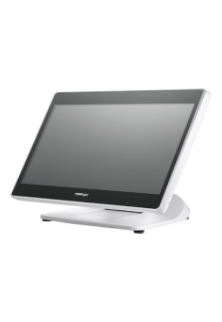
Intel Elkhart Lake Celeron J6412, up to 2.60 GHz, 1.5M Cache
DDR4 SO-DIMM x 1, max. 16GB
M.2 connector (SATA Signal Only) x 1
Windows 10 IoT 64 bits
VGA x 1, 12V support for Posiflex monitors
1, control 2 CR via optional Y-cable, supporting 24V cash drawer
MSR; iButton; RFID; Fingerprint Sensor; Keypad<brNon-touch TFT USB LCD: 7"/9.7"
5, USB 3.0 x 2+ USB 2.0 x 2 (on I/O plate) + USB 2.0 x 1 (on the top)