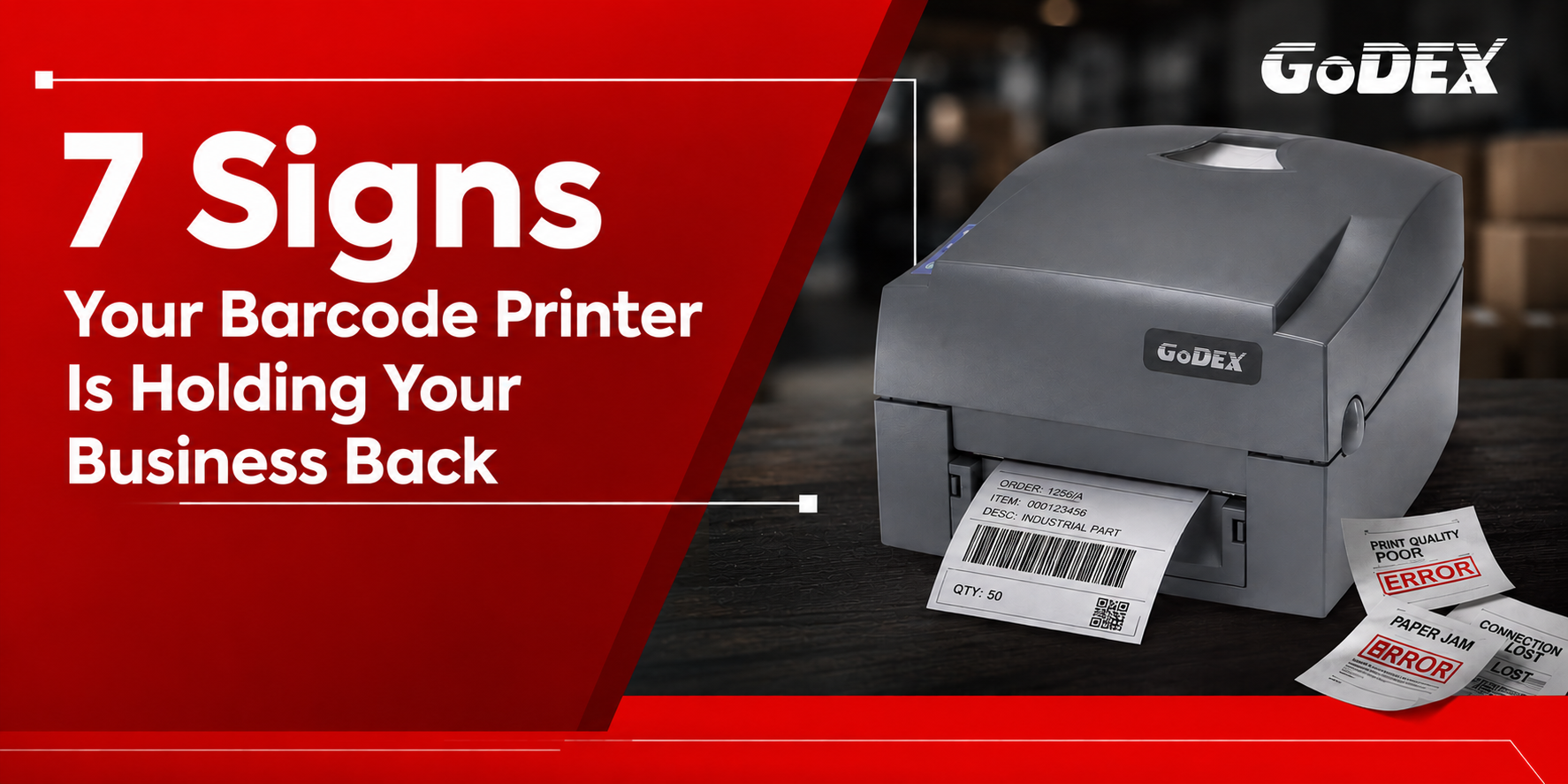
A barcode printer may seem like a small part of your operation, but when it starts slowing down, producing errors, or requiring frequent repairs, the impact can quickly spread across your entire workflow.
From warehouse and logistics operations to retail, manufacturing, healthcare, and distribution, reliable barcode printing is essential for keeping products moving, inventory accurate, and teams productive.
If you’re experiencing downtime, delays, reprints, or scanning errors, it may be time to ask:
Is your barcode printer working for you—or working against you?
Here are seven signs that your business may have outgrown its current barcode printer.
Frequent breakdowns, unexpected errors, repairs, and maintenance interruptions can disrupt even the most efficient operation.
When your barcode printer stops working, employees may have to wait for labels, switch to manual processes, or find alternative printing solutions. Over time, these interruptions can affect production, dispatch, inventory management, and customer service.
Your printer should work as hard as your team—not become another operational bottleneck.
If printer downtime has become a regular occurrence, it’s worth evaluating whether your existing equipment can still meet your operational demands.
A barcode is only useful when it can be read accurately.
Faded prints, blurred barcodes, missing lines, poor contrast, or inconsistent label quality can result in scan failures and reprints. This can create additional work for employees and increase material consumption.
In environments where thousands of labels are printed every day, even a small percentage of failed scans can become a significant operational issue.
Every label should be clear, consistent, and ready to scan the first time.
A modern barcode printer can provide more reliable print quality and help reduce avoidable errors throughout the workflow.
Speed matters when labels are directly connected to production, shipping, fulfilment, or inventory processes.
If your printer takes too long to process print jobs, employees may end up waiting for labels before they can complete their next task. These small delays can accumulate into major productivity losses over the course of a working day.
When labels are delayed, everything else can be delayed too.
A printer designed for higher-volume workloads can help keep labels moving at the pace your operation requires.

Your business may have changed significantly since you purchased your current printer.
Perhaps you’re handling more orders, adding new products, expanding your warehouse, increasing production volumes, or operating for longer hours.
A printer that was perfectly adequate for your previous workload may struggle with today’s demands.
Higher volumes require faster, more reliable performance.
Instead of continually pushing ageing equipment beyond its intended workload, businesses should evaluate whether their printing infrastructure is capable of supporting their current—and future—requirements.
Today’s operations are increasingly connected.
Barcode printers may need to communicate with PCs, POS systems, warehouse management systems, enterprise applications, production systems, or other connected devices.
If your printer has limited connectivity options or requires complicated workarounds to integrate with your existing systems, your team may spend unnecessary time on manual processes.
Modern operations demand flexible connectivity.
A printer that integrates easily into your technology environment can help simplify workflows and reduce unnecessary manual intervention.
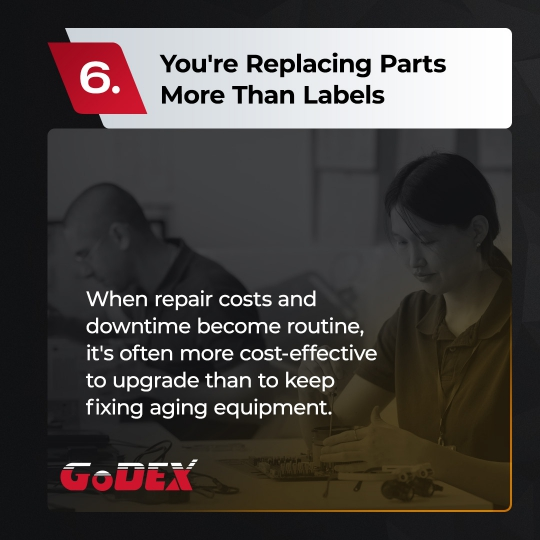
Maintenance is a normal part of any hardware lifecycle. But when repairs become frequent, the economics can start to change.
Repeated replacement of printheads, rollers, sensors, or other components—combined with service costs and downtime—can make an ageing printer increasingly expensive to operate.
At some point, continually repairing old equipment may cost more than investing in newer technology.
If repair costs and downtime have become routine, it’s time to calculate the true cost of keeping your current printer.
Don’t look only at the purchase price of a replacement. Consider downtime, maintenance, consumables, labour, productivity losses, and the cost of failed or reprinted labels.
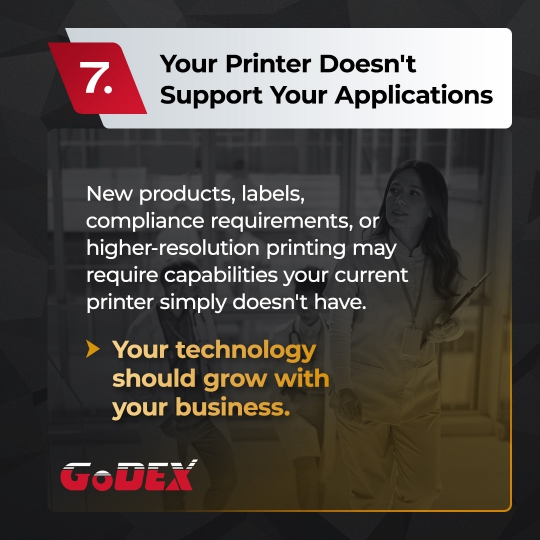
Business requirements evolve.
You may introduce new products, smaller or larger labels, higher-resolution graphics, compliance requirements, different media types, or new barcode formats.
Your existing printer may simply not have the capabilities required for these applications.
Your technology should grow with your business—not hold it back.
If you’re constantly adjusting your processes to accommodate your printer’s limitations, that is a strong indication that your printing technology needs to be reassessed.
The cost of an ageing barcode printer isn’t limited to repairs.
Consider the bigger picture:
A printer that appears inexpensive to maintain can become costly when all these factors are considered together.
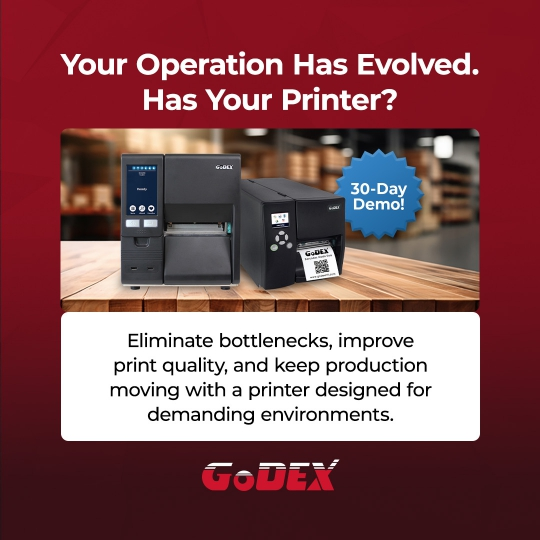
The right barcode printer should do more than produce labels. It should support your workflow, maintain consistent print quality, handle your workload, integrate with your systems, and keep your operation moving.
If your current printer is creating bottlenecks instead of eliminating them, it may be time to consider an upgrade.
Don’t let your barcode printer become the weakest link in your operation.
GoDEX offers barcode printing solutions designed to support demanding business environments, helping organisations improve print reliability, reduce bottlenecks, and keep their workflows moving.
Is your current printer ready for your next stage of growth?
Explore a more reliable barcode printing solution and find out how the right printer can help your business print smarter, faster, and more efficiently. Check out our range of barcode printers here: https://tinyurl.com/52rusp3r
Sign up to receive exclusive communications from Mustek Automation including product updates, technical information, new offerings, events and news, surveys, special offers, and related topics via telephone, email, and other forms of electronic communication.
We respect your privacy,
so we never share your info.
Mustek Technologies Pvt. Ltd. is a leading distributor of Automatic Identification and Data Capture (AIDC) technology, established in 2015.
We offer cutting-edge products in Mobility Solution, Scanning & Barcode Printing, from major brands like GoDEX, Brady, and Datalogic. With over decade of expertise, we are committed to add value and optimise AIDC requirements.

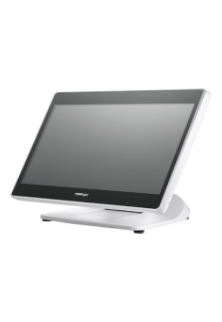
Intel Elkhart Lake Celeron J6412, up to 2.60 GHz, 1.5M Cache
DDR4 SO-DIMM x 1, max. 16GB
M.2 connector (SATA Signal Only) x 1
Windows 10 IoT 64 bits
VGA x 1, 12V support for Posiflex monitors
1, control 2 CR via optional Y-cable, supporting 24V cash drawer
MSR; iButton; RFID; Fingerprint Sensor; Keypad<brNon-touch TFT USB LCD: 7"/9.7"
5, USB 3.0 x 2+ USB 2.0 x 2 (on I/O plate) + USB 2.0 x 1 (on the top)